Exporting and importing your data
Your data page, from My account: to move to another Patrimeter instance, or to keep a copy of your data.
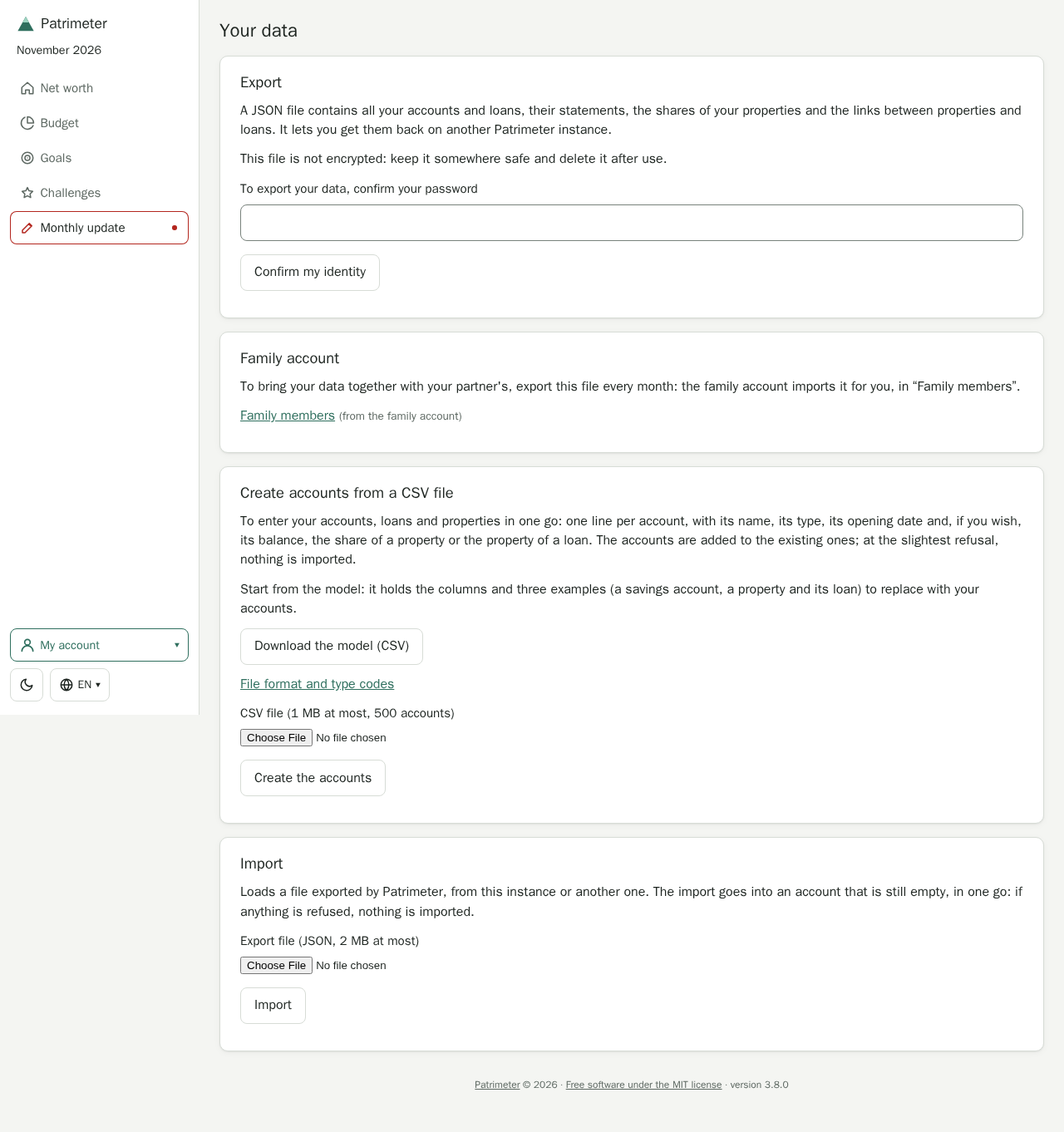
Exporting
Download my data, after confirming your identity: a JSON file contains your accounts and loans, their balances, the shares of your properties, the links between properties and loans, and the household budget (household, categories, items and the amounts of each month).
The file is not encrypted: keep it somewhere safe and delete it after use.
Your user account (address, password, second factor, passkeys, API tokens) is not exported: it is created again on the other instance.
Family account
The same file is used by the family account: exported every month, it is imported for you by the family account, in Family members, where it replaces the previous import. The family account only keeps what the file contains, encrypted with its own key.
Creating accounts from a CSV file
To enter your accounts, loans and properties in one go, from a spreadsheet: Download the model (CSV), fill it in (one line per account), then Create the accounts. The accounts are added to the existing ones; all or nothing. Format, columns and type codes: CSV import.
Importing
On the other instance, create your account, then Your data → Import with the file:
- the import is done into an account that is still empty;
- all or nothing: at the slightest problem, nothing is imported, and the account at fault is named;
- file of 2 MB at most.
Detailed format of the file: export and import.